Workflow Automation for Small Businesses: 2026 Guide
Workflow Automation for Small Businesses: 2026 Guide

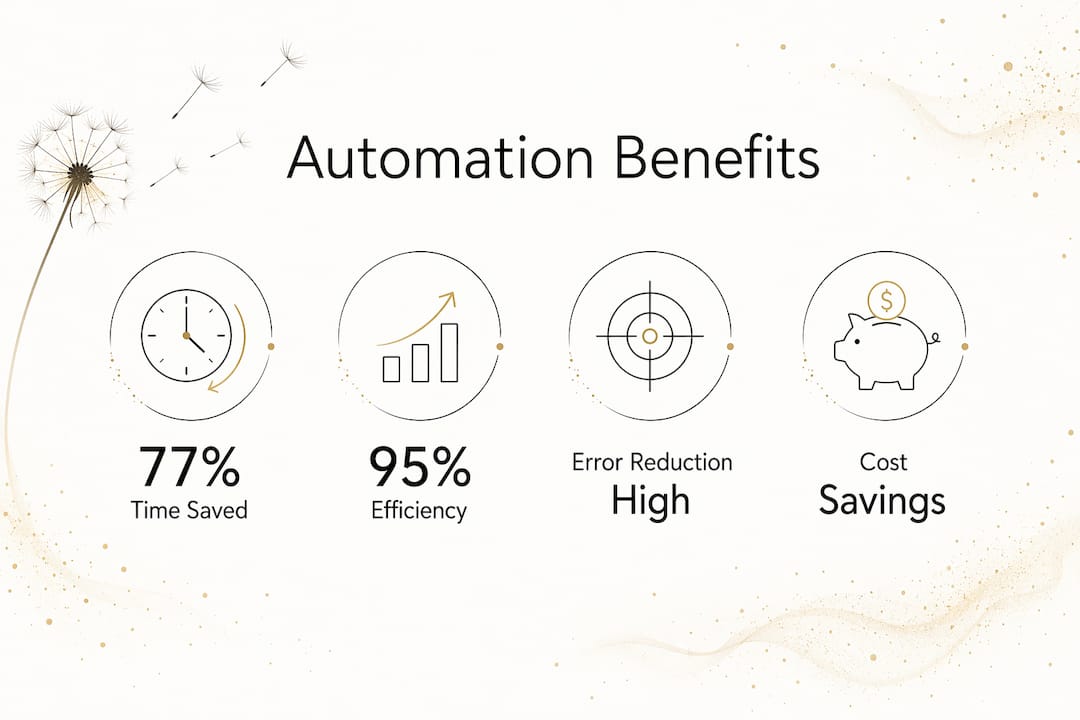
Workflow automation is defined as the use of software to execute repeatable business tasks through triggers, rules, and logic with minimal human intervention. The industry standard term for this practice is business process automation (BPA), and the two terms are used interchangeably across operations, HR, and finance teams. Automation can save up to 77% of time spent on routine tasks. That figure alone explains why small and mid-sized businesses are moving fast to adopt it. This guide covers how automating workflows actually works, which tasks to prioritize, and how to implement it without creating new problems.
What are the primary benefits of workflow automation for small businesses?
Workflow automation delivers four concrete advantages: time savings, error reduction, transparency, and cost efficiency. Each one compounds the others, which is why the return on investment tends to arrive faster than most business owners expect.
Time savings and capacity

Operational efficiency improvements from automation range between 60% and 95% across organizations. That is not a marginal gain. It means your team can handle significantly more work without adding headcount. Tasks like sending follow-up emails, updating records, or routing approvals no longer require a person to initiate them.
Error reduction and consistency
Manual processes introduce errors at every handoff. A person forgets a step, enters the wrong data, or skips a required approval. Automated workflows follow the same logic every time. Reduced manual errors translate directly into cost savings and faster cycle times, and nearly 60% of automation initiatives report positive ROI within 12 months.
Transparency and accountability
Digitized handoffs and real-time audit trails give managers a clear view of where every task stands. You can see who approved what, when a step was completed, and where a bottleneck formed. This visibility supports continuous improvement and makes compliance documentation far easier to produce.
Employee satisfaction
Repetitive, low-value tasks drain motivation. When your team stops spending hours on data entry or manual notifications, they redirect that energy toward work that requires judgment and creativity. That shift improves both output quality and job satisfaction.
Which tasks and workflows are best suited for automation?
Not every process belongs in an automated workflow. The best candidates share two traits: they happen frequently, and they follow a predictable pattern.
The four foundational workflow types
Understanding workflow structure helps you choose the right automation approach:
- Sequential workflows move tasks from one step to the next in a fixed order. Invoice approval is a classic example.
- Parallel workflows run multiple tasks simultaneously. Onboarding a new employee often triggers HR, IT, and payroll actions at the same time.
- State-machine workflows change behavior based on the current status of a record. A sales lead moving from “contacted” to “qualified” triggers a different set of actions.
- Rule-based workflows apply conditional logic. If a form submission includes a budget above a certain threshold, it routes to a senior manager instead of a junior rep.
Common SMB tasks ready for automation
Business process automation replaces human effort in recurring tasks by coordinating people, systems, and logic. The most common starting points for small and mid-sized businesses include:
- Data entry and record updates across CRM or ERP systems
- Sales order processing and confirmation emails
- Payroll calculations and timesheet approvals
- Employee onboarding checklists and document collection
- Invoice generation and payment reminders
- Customer support ticket routing and status updates
Pro Tip: Start with the task your team complains about most. High frustration usually signals high frequency and low complexity, which makes it the ideal first automation candidate.
How to successfully implement workflow automation in your business
Implementation is where most automation projects either gain traction or stall. The sequence matters as much as the tools you choose.
Step 1: Map the process before you touch any software
Automating a broken or inefficient process only amplifies the inefficiency. Before you build anything, document every step of the current process. Identify redundant steps, unclear handoffs, and tasks that exist only because “we’ve always done it that way.” Simplify first, then automate.
Step 2: Define your triggers, rules, and actions
Workflow automation software uses triggers to start processes, rules to apply logic, and actions to execute tasks. A trigger might be a form submission or a calendar date. The rule might check whether the submitted value exceeds a threshold. The action sends an email, updates a record, or assigns a task. Mapping these three elements for each workflow keeps your build clean and testable.
Step 3: Start small and scale gradually
Starting with simple, high-frequency tasks prevents the failures that come from automating complex processes first. A notification workflow or a data entry automation gives your team a quick win. It also builds the familiarity needed to tackle more complex, multi-step processes later. Confidence compounds just like efficiency does.
Step 4: Build in exception handling
Every automated workflow needs a defined path for exceptions. What happens when a form submission is incomplete? What triggers a human review? Designing these exit points upfront prevents tasks from disappearing into a queue with no resolution.
Step 5: Document, train, and monitor
Automation does not run itself indefinitely without oversight. Document every workflow you build, train the team members who interact with it, and set a review schedule. Processes change, and your automations need to change with them.
Pro Tip: Match tool complexity to workflow complexity. Lightweight tools handle simple integrations well. End-to-end process orchestration requires a platform built for that scale. Choosing the wrong level wastes time and budget.
For a broader look at automation tools for entrepreneurs, Moderatemurmurations has a dedicated 2026 guide covering the current options by use case.
What is the role of AI in modern workflow automation?
Traditional rule-based automation follows fixed instructions. AI workflow automation goes further by reading and interpreting variable inputs to make decisions within the workflow.
How AI differs from rule-based automation
AI workflow automation interprets variable inputs and makes decisions that rule-based systems cannot. A rule-based system can route an invoice if the amount is above $5,000. An AI system can read an unstructured email, classify the request, extract the relevant data, and route it to the right team without a human touching it. The practical difference is significant for businesses that handle high volumes of varied inputs.
What AI handles inside a workflow
AI components within automated workflows typically manage:
- Document classification and data extraction from unstructured files
- Sentiment analysis for customer support ticket prioritization
- Predictive routing based on historical patterns
- Summarization of long documents or email threads before human review
AI integration allows workflows to span multiple applications including CRM, ERP, and finance systems without manual data transfer between them.
The human-in-the-loop principle
Automation should enhance speed and consistency, but it must never replace human judgment in complex or high-risk decisions. The human-in-the-loop model keeps a person in the approval chain for sensitive data, ethical decisions, or outcomes with significant financial or legal consequences.
High-frequency, low-value tasks belong in full automation. High-value or risk-sensitive decisions belong in a human-augmented workflow where automation handles the preparation and a person makes the final call. That distinction is the foundation of a sustainable automation strategy.
For context on scaling your business with automation, the relationship between process maturity and growth capacity is worth understanding before you expand your automation stack.
Key Takeaways
Workflow automation delivers the greatest return when you map and simplify processes first, start with high-frequency tasks, and keep humans in the loop for complex decisions.
| Point | Details |
|---|---|
| Define before you build | Map and simplify every process before writing a single automation rule. |
| Start with high-frequency tasks | Low-complexity, repetitive tasks build team confidence and deliver fast ROI. |
| Use triggers, rules, and actions | Every automated workflow needs a clear trigger, decision logic, and defined output. |
| Match tool to task complexity | Lightweight tools suit simple integrations; orchestration platforms handle end-to-end workflows. |
| Keep humans in the loop | Reserve human judgment for high-risk, high-value, or ethically sensitive decisions. |
Why most automation projects miss the point
The most common mistake I see is businesses automating the wrong thing first. A team spends weeks building an automated approval workflow for a process that only happens twice a month. Meanwhile, the daily data entry task that costs four hours every morning stays manual. Frequency matters more than complexity when you are choosing where to start.
The second mistake is automating a process that has not been examined. Automation is an amplifier. If the underlying process is inefficient, the automation makes it efficiently inefficient. I have watched businesses speed up a broken handoff process and then wonder why errors increased. The fix was not the automation. The fix was the process design that preceded it.
What actually works is a deliberate audit before any tool selection. Write down every step. Ask who does it, how often, and what goes wrong. You will almost always find steps that can be eliminated entirely before a single trigger is configured. That simplification is where the real efficiency lives.
Automation also changes how teams work, not just how fast they work. When repetitive tasks disappear, people need to know what to do with the recovered time. The businesses that get the most from automation are the ones that redirect that capacity toward client relationships, product improvement, or strategic planning. The tool is not the strategy. The strategy is what you do with the time the tool gives back.
— Christopher
How Moderatemurmurations helps you build and automate your business online
Moderatemurmurations builds the digital infrastructure that makes automation practical for small and mid-sized businesses. That includes AI-assisted websites, landing pages, and digital systems designed to work together from day one.

If you are ready to move from manual processes to a connected digital operation, the build services at Moderatemurmurations cover everything from initial setup to AI workflow integration. You get clear structure, modern design, and systems that reduce friction without requiring a technical team to maintain them. The goal is a business that runs with less manual effort and more consistency. Launch your business online and see what a well-built digital foundation actually looks like in practice.
FAQ
What is workflow automation?
Workflow automation is the use of software to execute repeatable business tasks through triggers, rules, and logic with minimal human input. It replaces manual steps in processes like data entry, approvals, and notifications.
How much time can automation save for a small business?
Automation saves up to 77% of time spent on routine tasks, with organizations reporting efficiency improvements between 60% and 95%. The actual savings depend on the frequency and complexity of the tasks automated.
Which tasks should a small business automate first?
Start with high-frequency, low-complexity tasks such as data entry, invoice reminders, and onboarding checklists. These deliver fast results and build team confidence before tackling more complex workflows.
What is the difference between rule-based and AI workflow automation?
Rule-based automation follows fixed instructions and works best with structured, predictable inputs. AI workflow automation interprets variable inputs like unstructured emails or documents and makes decisions without a human initiating each step.
How do I know if a process is ready to automate?
A process is ready to automate when it is well-defined, repeatable, and already working correctly in its manual form. Automating a broken process only makes the problem happen faster, so map and fix the workflow before building any automation.